Camera roll cleaner · iOS

Swipe your
camera roll clean.

Photos, screenshots and videos — cleared in quick, oddly satisfying swipe sessions. Right to keep, left to delete. Or skip the cards entirely and let Auto find the duplicates. Nothing is deleted until you review and confirm.
No cloud. No account. Review before delete On-device only
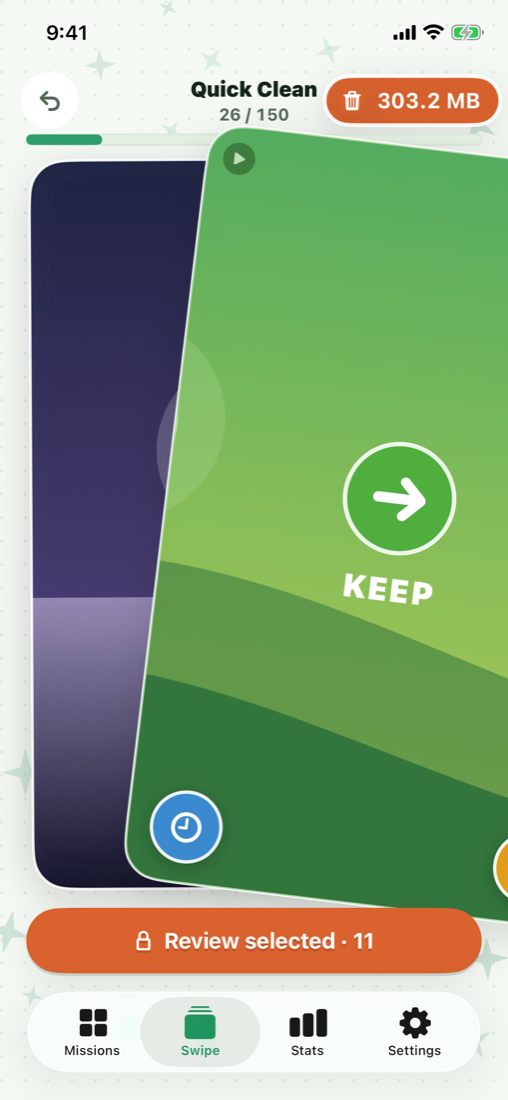
PicBop Quick Clean session — swipe right to keep a photo
Two swipes, one rail

One gesture per photo.

Right to keep, left to delete — that's the whole gesture. Everything else waits on a rail beside your thumb, one tap away.

Swipe
Keep →

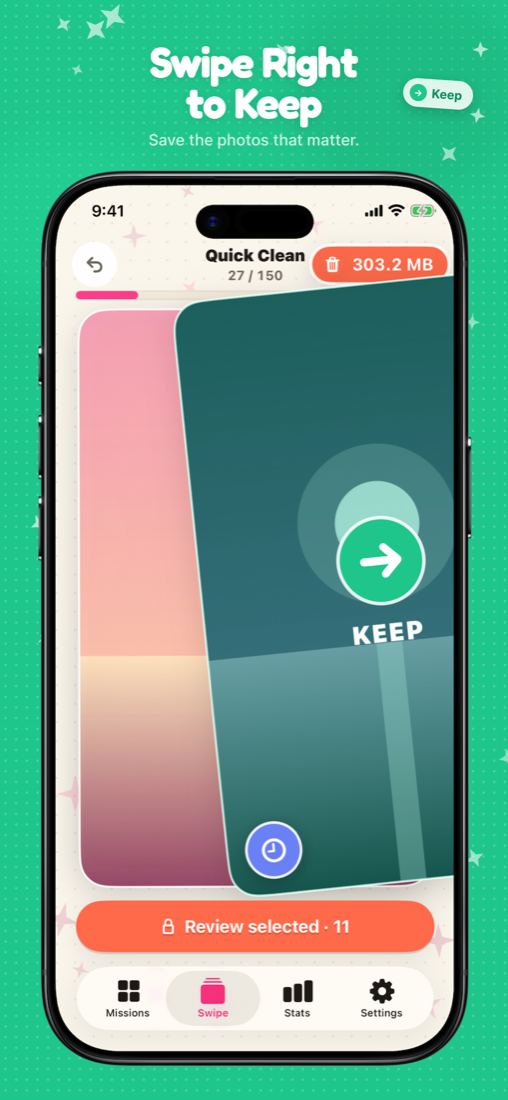
Swipe right. The good ones stay exactly where they are.

Swipe
Delete ←

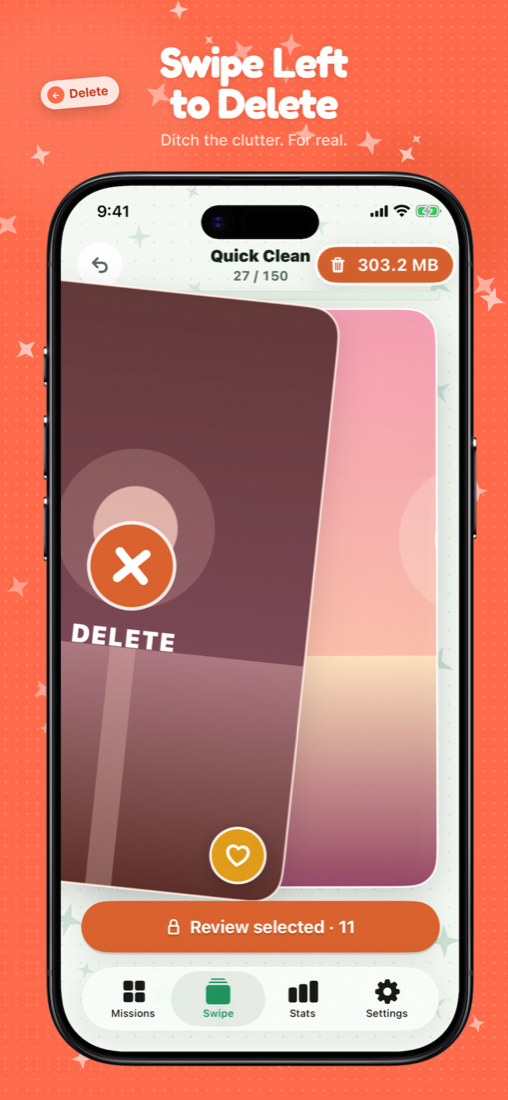
Swipe left to mark for review. Nothing leaves yet.

Rail
Favorite

Tap the heart to star a keeper without breaking your rhythm.

Rail
Later

Not sure? Park it from the rail and decide another day.

The rail also moves a photo to an album, shares it, or opens it full-screen — and undo takes back the last card whenever your thumb was faster than your brain.

The loop

Swipe. Review. Confirm.

A session never deletes behind your back. You see everything once more, then you decide.
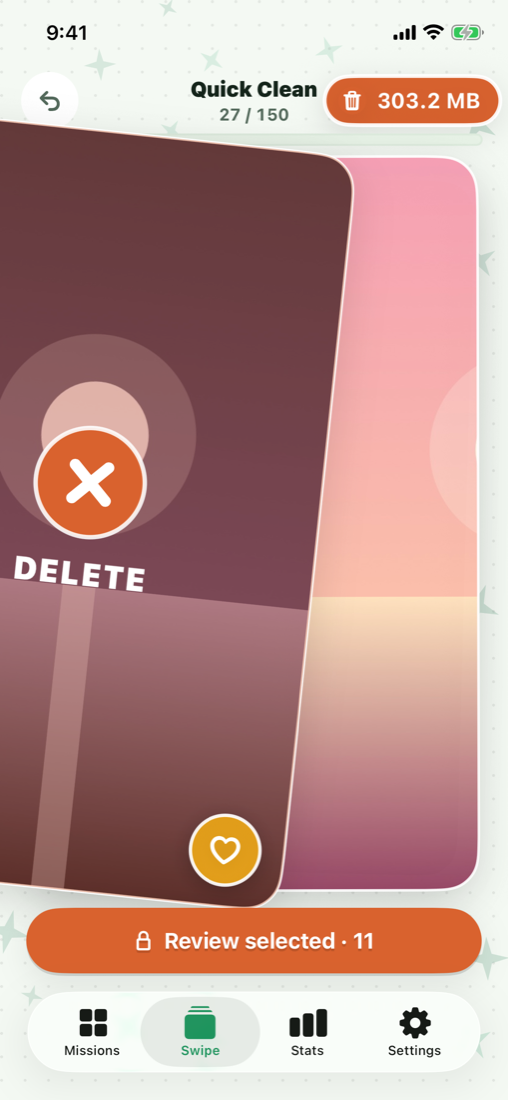
Swipe left to mark a photo for deletion in a Quick Clean session
1 Swipe a session
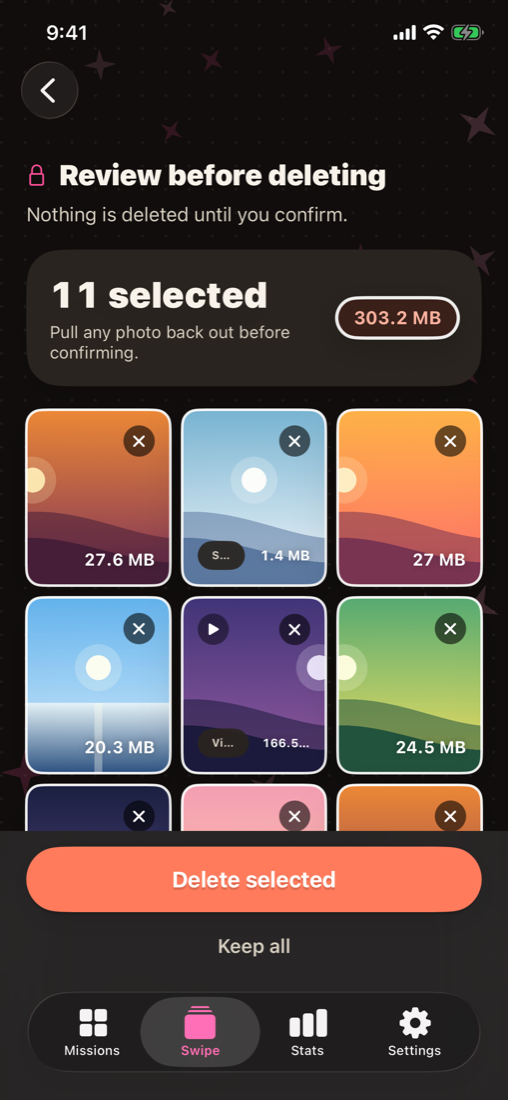
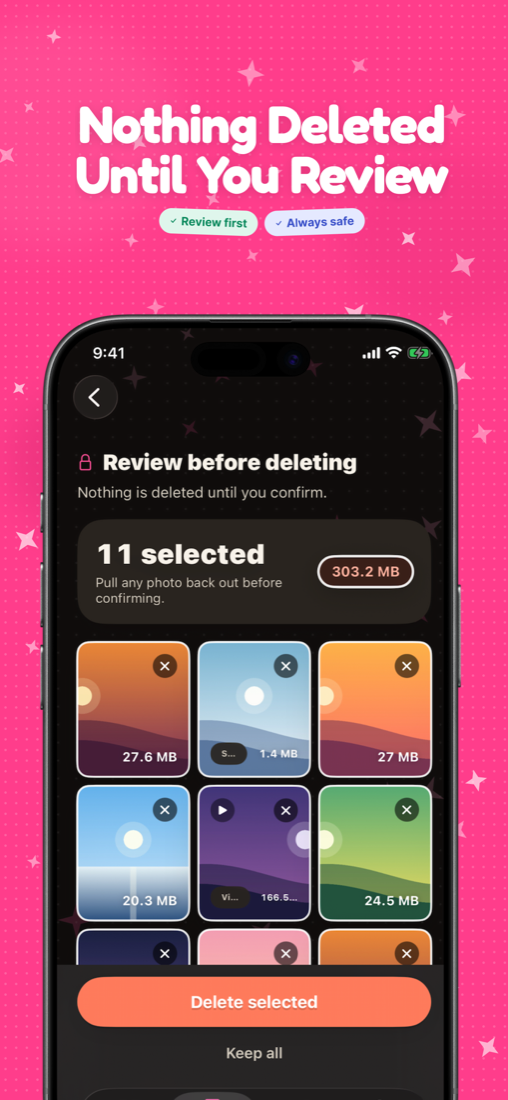
Review selected photos before deleting — nothing is removed until you confirm
2 Review & confirm
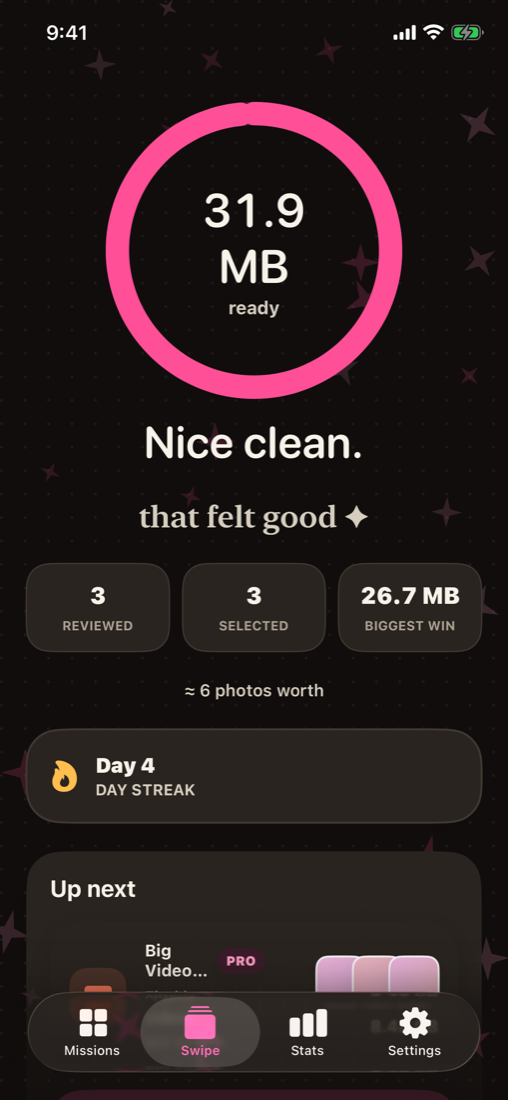
Session results — space freed, photos reviewed, and your day streak
3 Enjoy the clean
Pick your battle

A session for every mess.

Never face the whole camera roll at once. Each session is a small, finishable deck — screenshots, a single month, one album, one place.

Today's 10A tiny daily ritual — 10 cards, about a minute.
Quick CleanFast pass through recent photos.
Screenshot HuntClear old screenshots.
Screen RecordingsOld screen recordings — usually big.
Random 100100 random photos from your library.
This MonthReview this month's clutter.
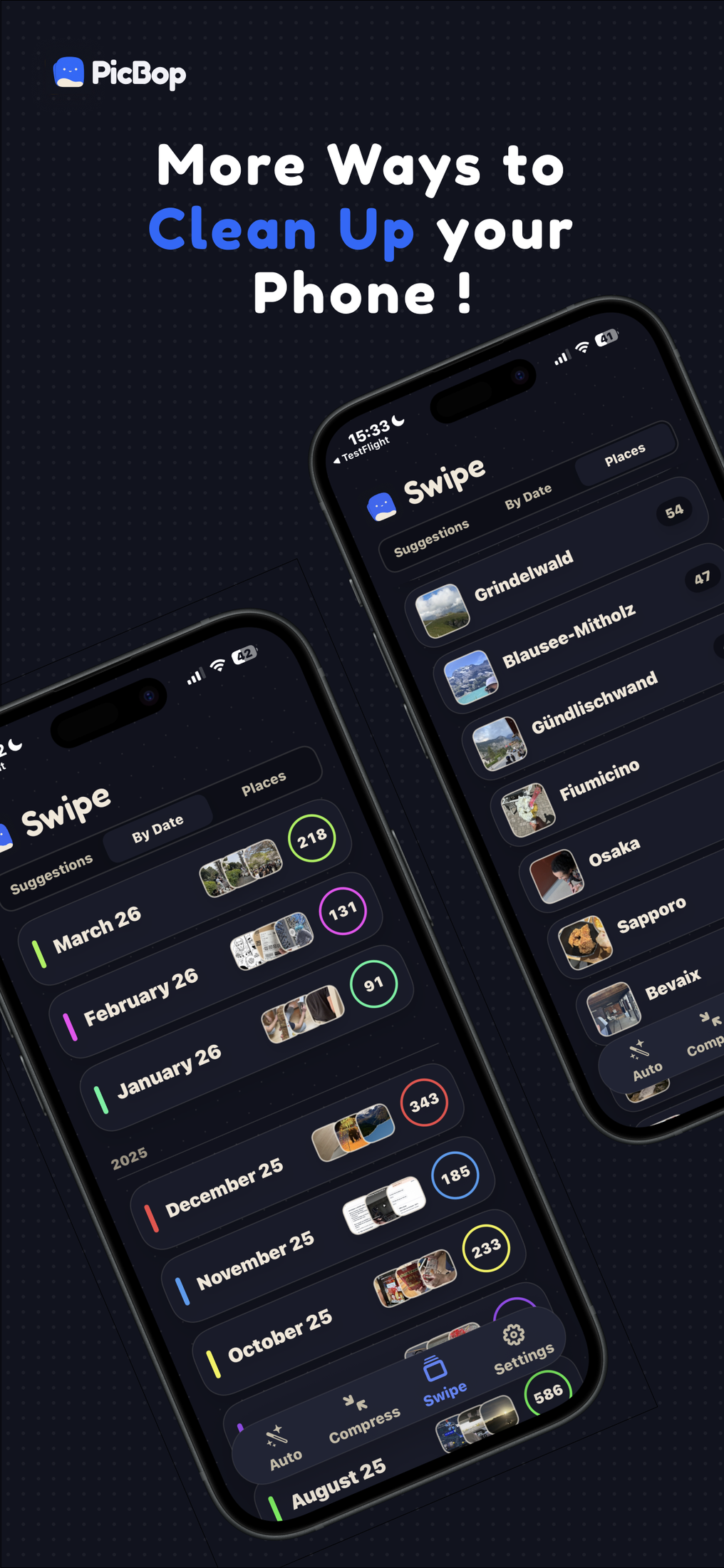
By DatePick a month or a custom date range.
FlashbackPhotos and videos from one day in the past.
SelfiesPhotos from your front camera.
Live PhotosMoments captured as Live Photos.
PortraitsPhotos shot in Portrait mode.
Unsorted PhotosEverything that isn't in an album yet.
AlbumsSort one album at a time.
PlacesSort one place at a time.
LaterThe photos you parked to revisit.
Whole LibrarySort everything, filtered by type.
Don't feel like swiping?

Two more ways to clean.

Cards are the fun way, not the only way. Auto does the finding for you, and Compress frees space without deleting a single photo.

Auto Cleaner

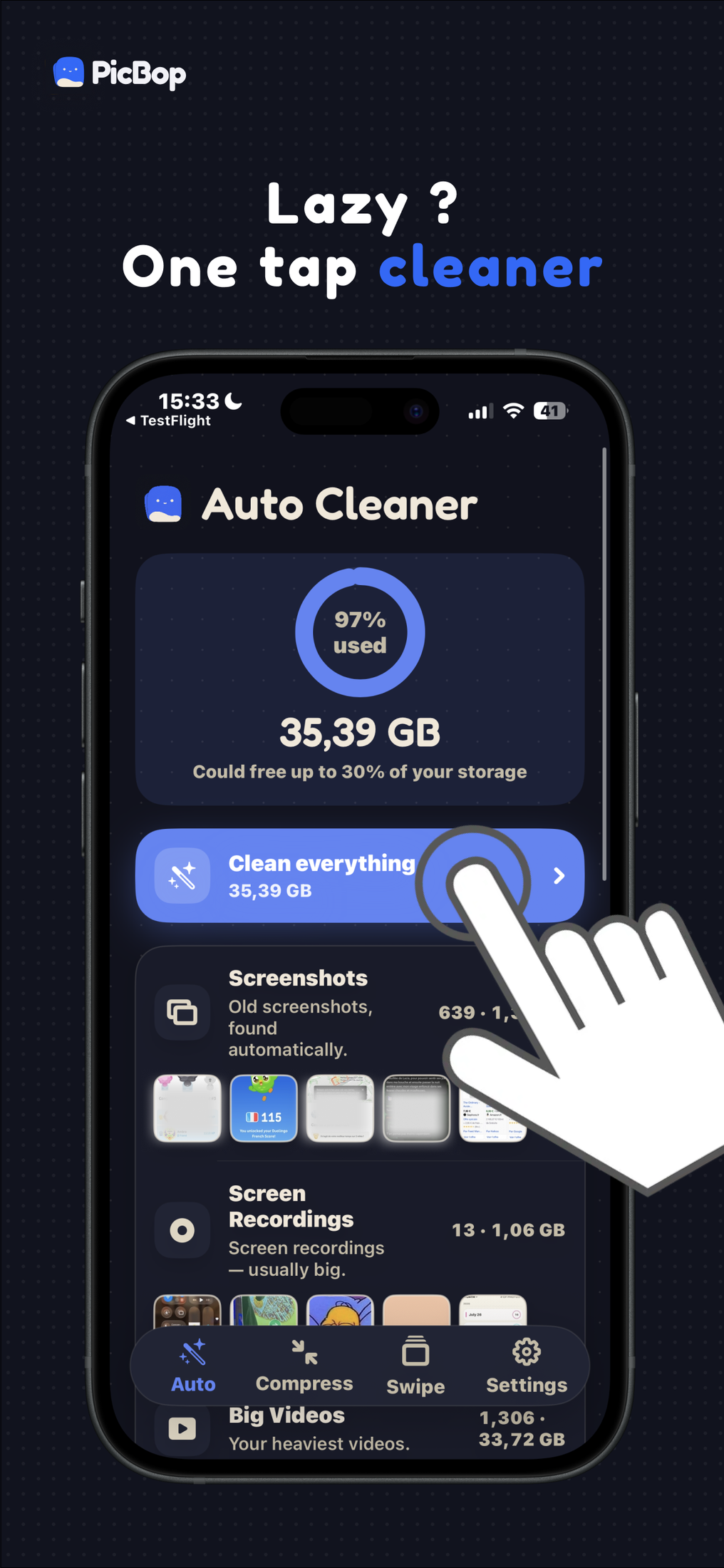
One tap and PicBop scans the library on your iPhone, then hands you the picks to review — no cards needed.

  • Exact duplicates and near-identical bursts
  • Screenshots and screen recordings
  • Big videos and oversized files
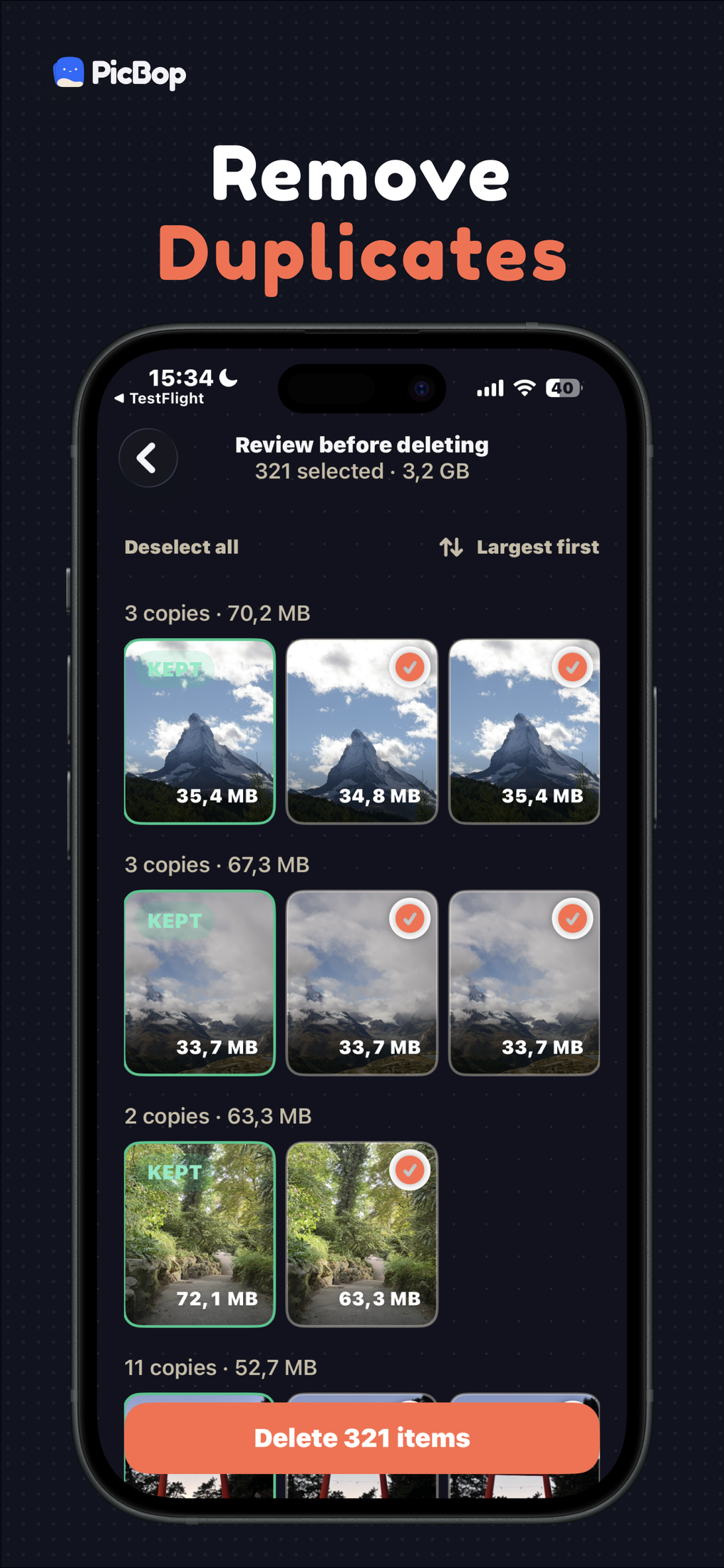
  • Same review-before-delete grid as a swipe session
Compress

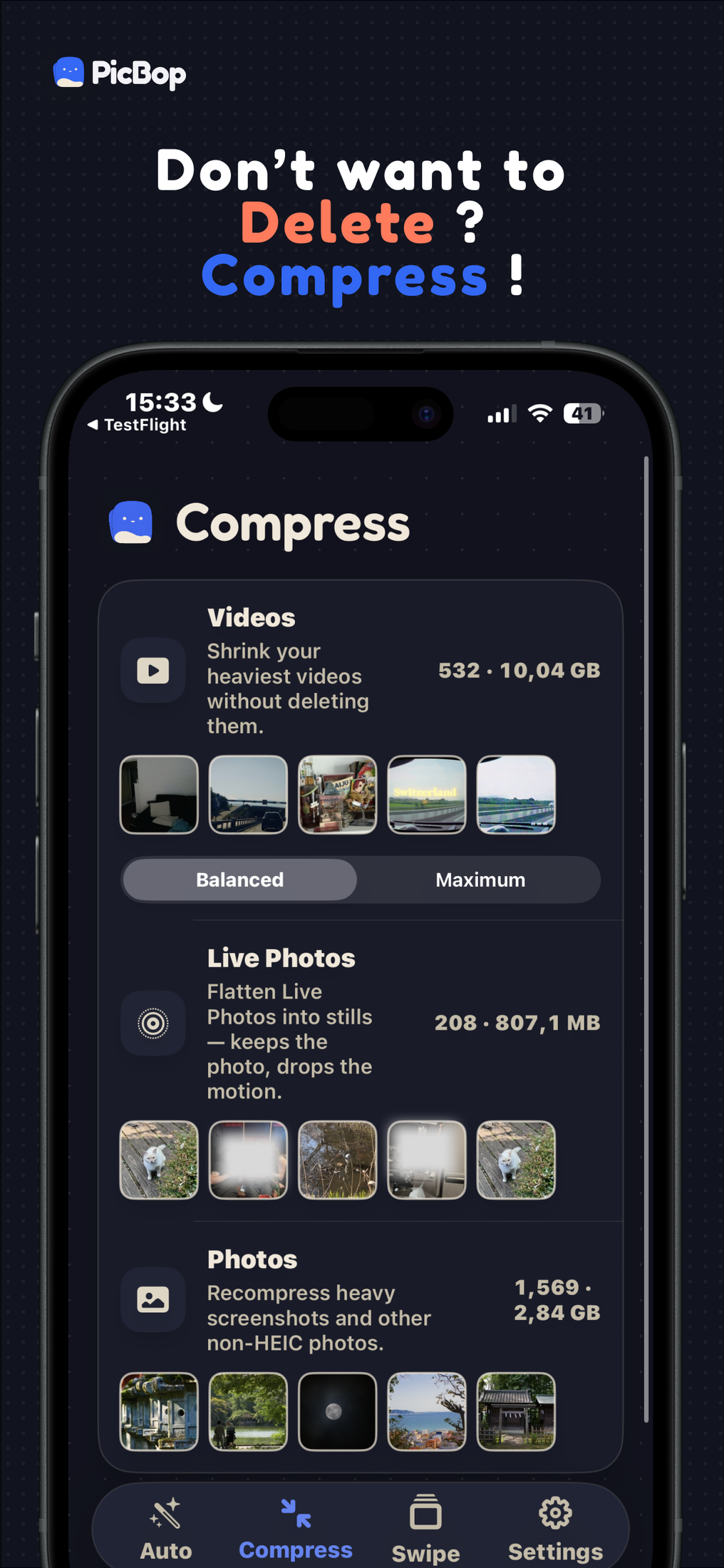
Keep the memory, drop the megabytes. Shrink the heaviest items in place instead of choosing what to lose.

  • Videos at Balanced or Maximum quality
  • Live Photos flattened to stills, motion dropped
  • Heavy screenshots and non-HEIC photos recompressed
  • See the saving per item before you commit
Straight from the app

See it in action.

Real screens — swipe or auto-clean, review before anything goes, compress what you'd rather keep, then watch the space come back.
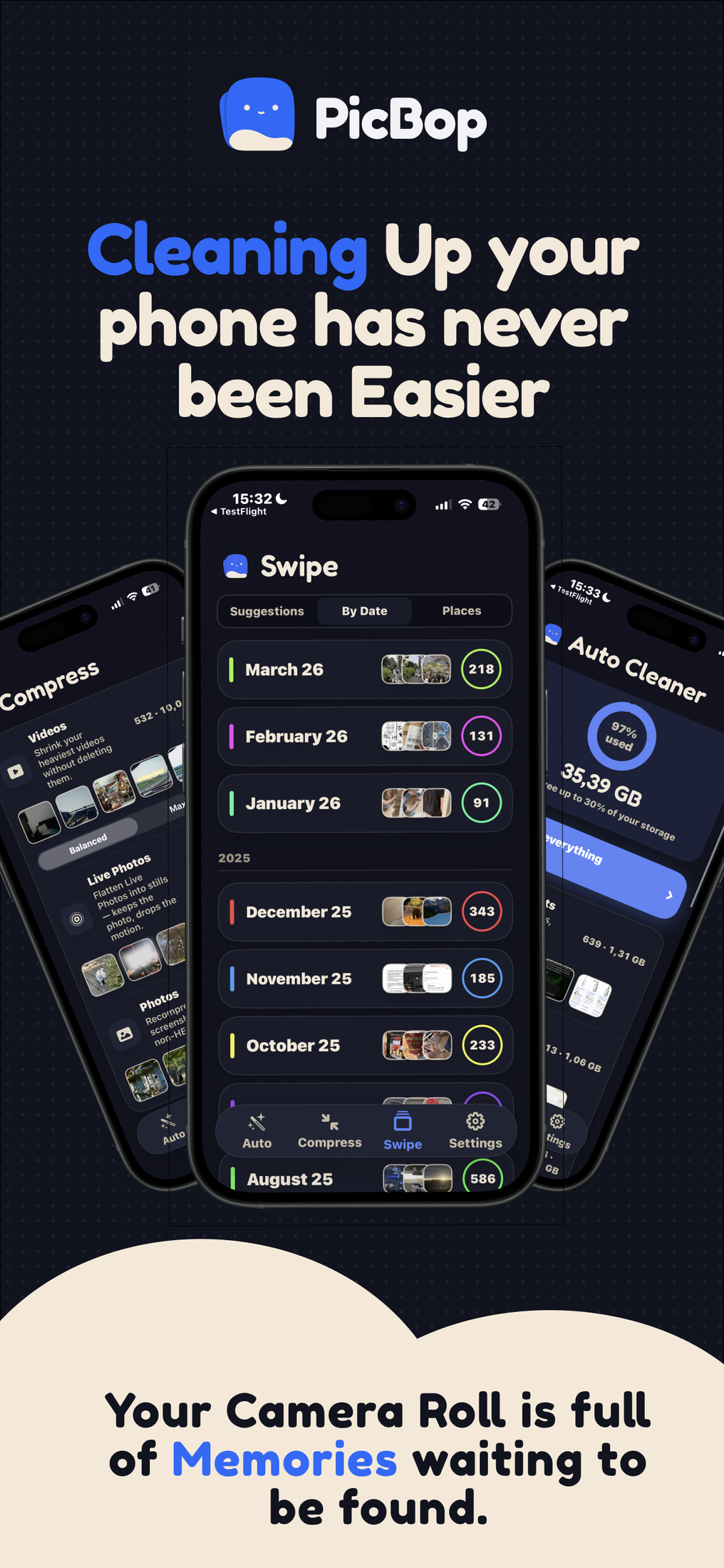
PicBop home — swipe sessions grouped by month, with Auto Cleaner alongside
Swipe right to keep a photo
Swipe left to mark a photo for deletion
Review every selected photo in a grid before deleting
Auto Cleaner finds screenshots, screen recordings and big videos in one tap
Duplicate detection groups identical copies so you keep one
Compress shrinks videos, Live Photos and heavy screenshots
Browse sessions by month, by date or by place
Trust is the product

Your photos never
leave your iPhone.

PicBop is a local utility. It only helps you review and delete — your photos are never uploaded, there's no account, and there's no way for us to see a single photo.

No cloud. No account.

Your photos are never uploaded and there's no account to create. The only things that leave are photo-free product events, and ad measurement that runs solely if you allow tracking — the policy spells both out.

Review before delete

Swiping left only marks a photo. You confirm the whole batch before anything is removed.

Recoverable for a while

Deleted photos go to your Photos app's Recently Deleted — recover them there for a limited time.

Free to start

Pick your pace.

Clean 100 photos a day for nothing. Go Pro by the week, by the year, or once and for all — whichever suits the size of your camera roll.

Free
€0
no account, no timer
100 swipes a day
3 compressions a day
One Auto Cleaner category
Download free
Pro weekly
€2.99
per week, cancel anytime
Everything in Pro
For one big cleanout
Auto-renews weekly
Try it
MOST POPULAR
Pro annual
€9.99
7 days free, then per year
Unlimited swipes & sessions
The full Auto Cleaner
Compress & your whole library
Start free trial
Lifetime
€29.99
once, nothing renews
Everything in Pro, forever
No subscription to manage
Welcome offer for new users
Buy once

Weekly and annual plans renew automatically until cancelled; manage or cancel anytime in your Apple ID settings. Lifetime is a one-time purchase. Prices shown in euros — your App Store charges in your own currency.

keep → one tap ✦ PicBop

Swipe your camera
roll clean.

Download on theApp Store

Requires iOS 16 or later · iPhone